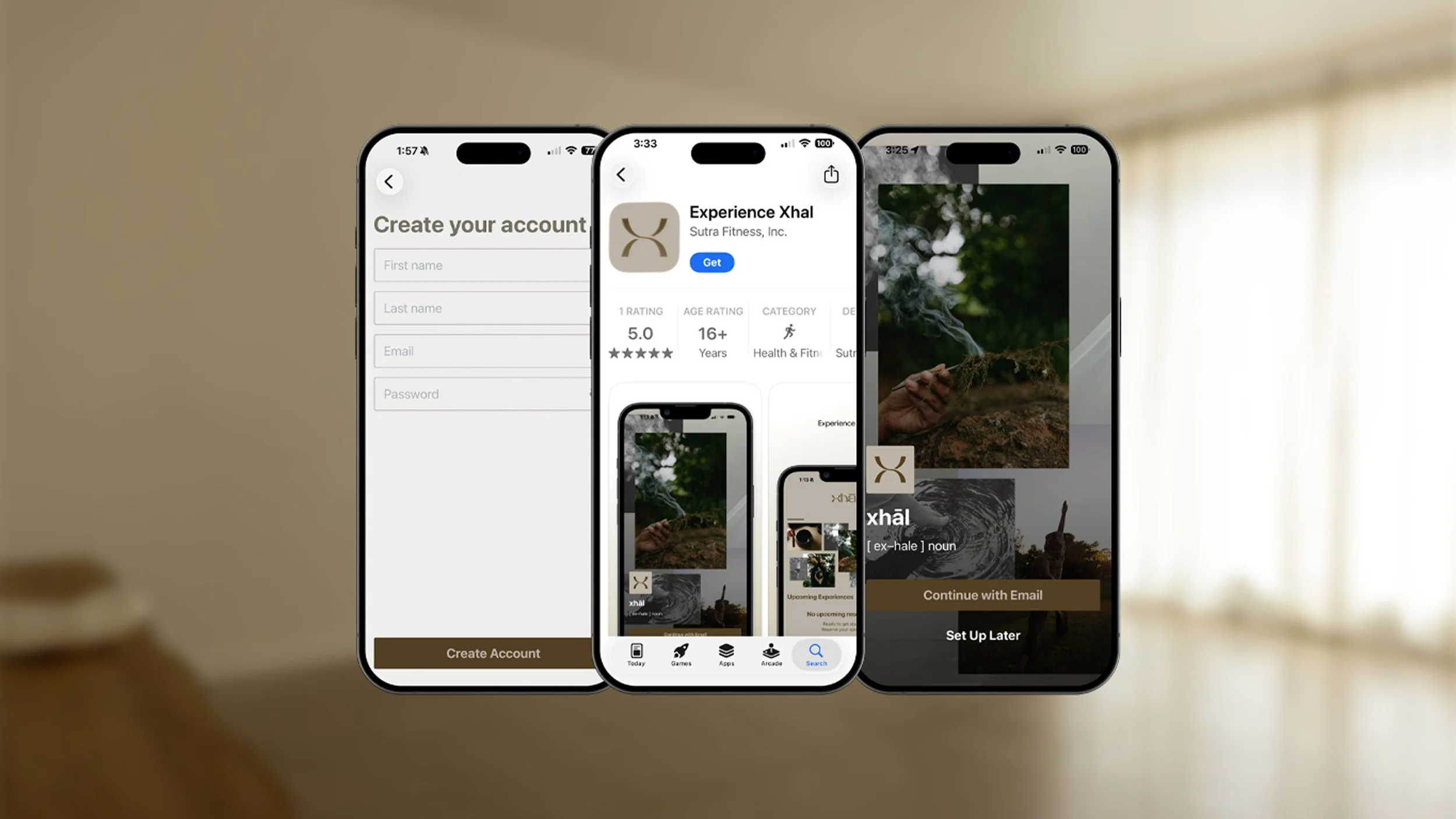
account & app
Designed to complement your experience, our app makes it easy to make reservations, manage your membership, purchase experiences, and stay informed about upcoming events and updates.
frequently asked questions
-
Simply click here to download the app via the App Store.
-
Please follow the instructions below:
Download the free “experience xhāl” app via iPhone or Android (pending)
Click “Continue with Email”
Click “Sign Up” (in the top right corner of the login page)
Enter your first/last name, email, and preferred password. Then click “Create Account”
If you are not automatically logged in, then you may be redirected to the login page where you enter the email and password you just setup. Then click “Login”
-
You can reserve experiences by downloading the free “experience xhāl” app via iPhone or Android (pending). If you do not have an Arketa account, then simply create an account using the instructions below:
Download the free “experience xhāl” app via iPhone or Android (pending).
Click “Continue with Email” when prompted
Click “Sign Up” in the top right corner of the login page
Enter your first/last name, email, and preferred password. Then click “Create Account”
If you are not automatically logged in, then you may be redirected to the login page where you enter the email and password you just setup. Then click “Login”
-
Every Sunday at 12:00pm CST our weekly schedule is released and reservations open for the upcoming week's experiences. You will then see the button “Reserve” instead of “Not Available”.
Our space is intentionally curated for 10 guests to create a more personalized experience. Reservations are offered on a first-come, first-served basis. If your preferred experience is full, you're welcome to join the waitlist and will be notified if a space becomes available.
Please refer to our FAQ page for additional details.
-
We are currently waiting for the app to be available for Android users. We encourage Android users to utilize our website instead of the app.
-
Please follow the instructions below to reset your password.
Open the “experience xhāl” app. Click to download via iPhone or Android (pending).
Click “Continue with Email”
Click “Forgot Password”
Login to the email associated with your Arketa/xhāl account.
Look for an email with the subject line: “"Password reset for xhāl” and from arketa-noreply@arketa.co
Follow the steps listed in the email to reset your password
Use the new password to login to the “experience xhāl” app